The Ultimate Guide to Dropbox – What It Is and How to Use It
As technology continues to advance, businesses are seeking ways to improve efficiency and productivity. One such way is by implementing cloud storage solutions. Among the most popular cloud storage solutions is Dropbox. Dropbox is a cloud-based file-sharing and storage system that allows you to store, access, and share files with other users.
It is a cost-effective and user-friendly solution that has gained immense popularity among businesses of all sizes. In this article, we will delve into the benefits of Dropbox, how it works, and how it can help your business.
What is Dropbox?
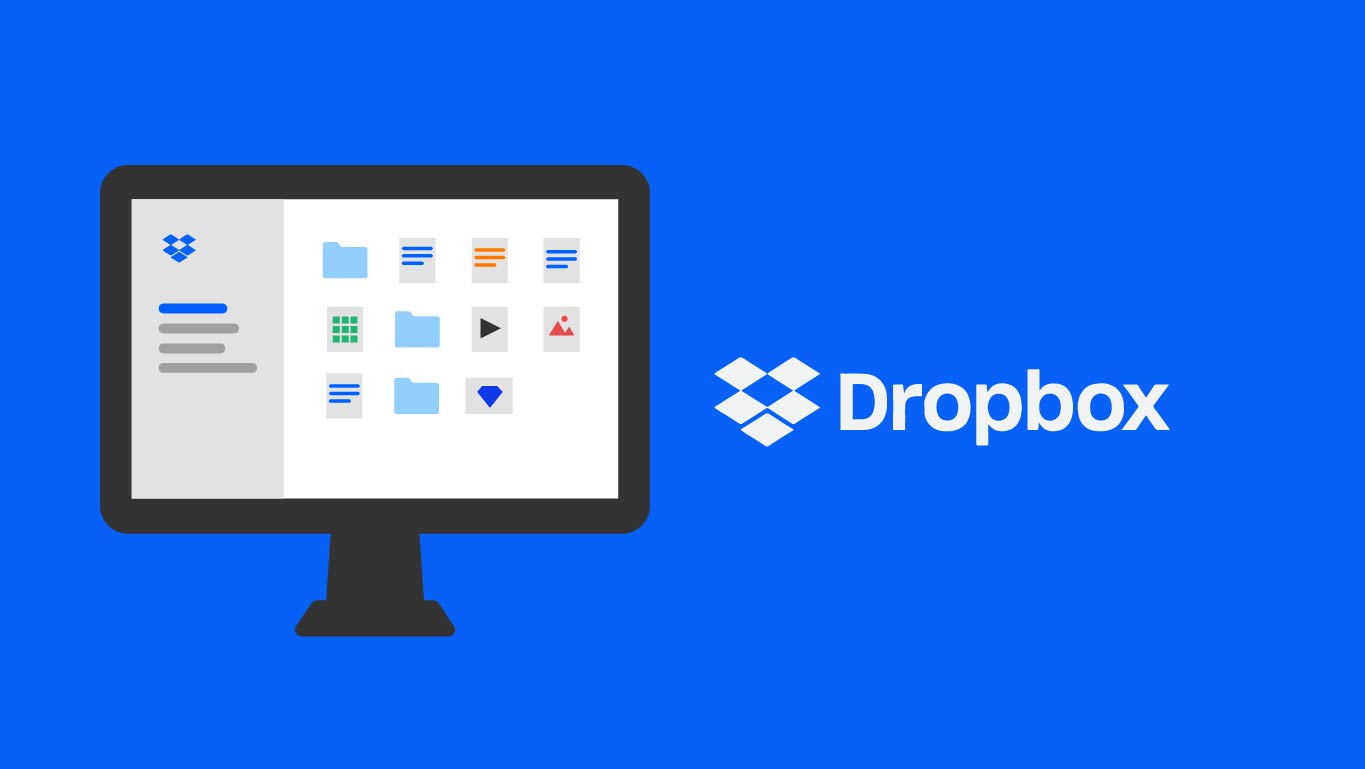
Dropbox is a cloud-based storage and file-sharing service that allows you to store, access, and share files from anywhere in the world. It was founded in 2007 by two MIT graduates, Drew Houston and Arash Ferdowsi, with the aim of making file sharing and storage easy and accessible to everyone. Dropbox works by creating a folder on your computer, which automatically syncs with your online account.
This means that any changes made to a file in your Dropbox folder are automatically synced to your online account and to any other devices connected to your account. Dropbox is available on various platforms, including Windows, Mac, Linux, iOS, and Android.
The Benefits of Dropbox for Businesses
Increased collaboration
Dropbox allows for seamless collaboration between team members, no matter where they are located. You can create shared folders and invite team members to collaborate on files, making it easy to work together on projects in real time. Dropbox also has a feature that allows you to track changes made to files, making it easy to see who made what changes and when.
Accessibility
One of the biggest benefits of Dropbox is its accessibility. With Dropbox, you can access your files from anywhere in the world, as long as you have an internet connection. This makes it easy to work remotely, access files while traveling, or share files with clients or team members who are located in different parts of the world.
Cost-effective
Dropbox is a cost-effective solution for businesses of all sizes. It offers various pricing plans, including a free plan that provides up to 2 GB of storage space. Paid plans start at $9.99 per user per month and offer more storage space and additional features, such as advanced collaboration tools, team management, and enhanced security.
Enhanced security
Dropbox has multiple layers of security to protect your data. It uses SSL/TLS encryption to protect data in transit and AES-256 encryption to protect data at rest. It also has two-factor authentication and remote wipe capabilities to ensure that your data is safe and secure at all times.
Easy integration with other tools
Dropbox integrates seamlessly with other tools that businesses use, such as Microsoft Office, Google Docs, and Salesforce. This makes it easy to work with your existing tools and streamline your workflow.
How to Use Dropbox for Your Business
Create a Dropbox account
To use Dropbox, you need to create an account. You can sign up for a free account or choose a paid plan that meets your needs.
Install the Dropbox app
Once you have created an account, you need to download and install the Dropbox app on your computer and mobile devices. This will create a Dropbox folder on your computer that automatically syncs with your online account.
Start uploading files
You can start uploading files to your Dropbox folder by dragging and dropping them into the folder or by using the upload feature on the Dropbox website.
Share files
To share files with team members or clients, you can create a shared folder and invite them to collaborate. You can also share individual files by generating a link and sending it to the recipient
FAQs:
Q: Is Dropbox secure?
A: Yes, Dropbox is very secure. It uses advanced security features to protect your files, including encryption and two-factor authentication.
Q: How much storage do I get with Dropbox?
A: Dropbox offers various plans with different amounts of storage. The free plan includes 2 GB of storage, while the paid plans offer up to 3 TB of storage.
Q: Can I share files with others in Dropbox?
A: Yes, you can easily share files with others in Dropbox. Simply create a link to the file or folder and share it with the person you want to share it with.
Q: How do I access Dropbox on my mobile device?
A: You can access Dropbox on your mobile device by downloading the Dropbox app from the App Store or Google Play Store.
Q: What is Dropbox Paper?
A: Dropbox Paper is a collaborative workspace where you can create and share documents with others. It allows you to work on documents in real time with others and includes various formatting options.
Conclusion:
Dropbox is a powerful tool for storing, sharing, and collaborating on files in the cloud. It offers various plans and pricing options to suit different needs, and its features are easy to use and intuitive. Whether you are a student, a professional, or just someone who needs to store and share files, Dropbox is a great choice. So, sign up for Dropbox today and experience the